For IT admins, managing Active Directory Lightweight Directory Services (AD LDS) objects is a time-consuming and complex task. The AD LDS Object Management tool from ADManager Plus simplifies this task by letting you effortlessly manage AD LDS users and groups. Download and connect it to an LDS instance, and the AD LDS Object Management tool will do the rest!
Launching the tool
Run this in either of the following ways:
- Launch FreeTool.exe from your free tools installation folder.
- Execute the PowerShell cmdlet “Import-Module .\ADLDSManagement.dll” followed by “Get-ADLDSobjectManagement”.
Carry out AD LDS user management activities easily with this free tool by your side. In addition to managing users and groups, you can also view details about them whenever you’d like.
Manage AD LDS users and groups
Perform user and group management activities such as:
- Creating user accounts
- Enabling, disabling, and deleting user accounts
- Resetting users’ passwords
- Moving user accounts
- Deleting groups
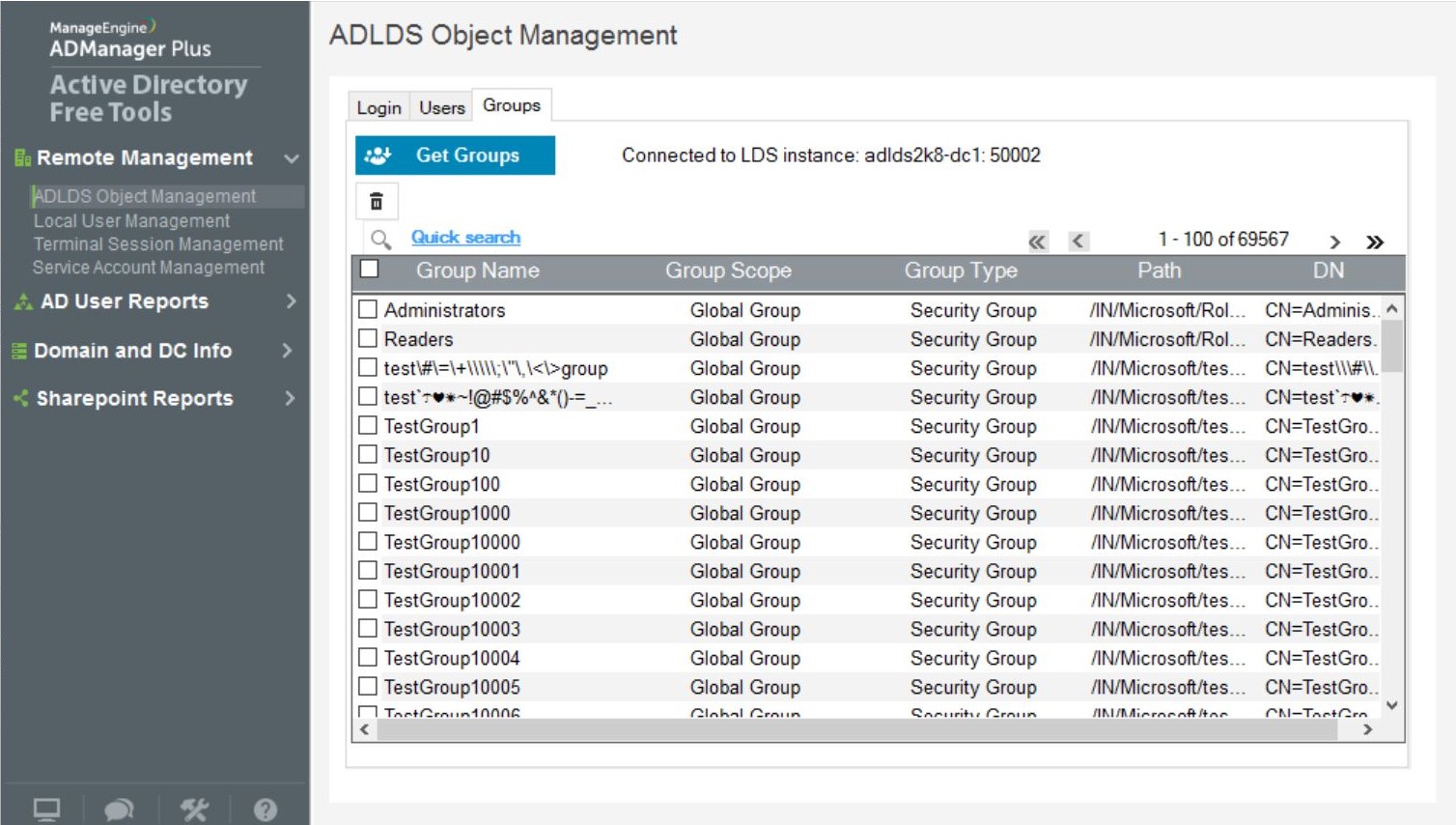
Figure 1: Manage AD LDS groups.
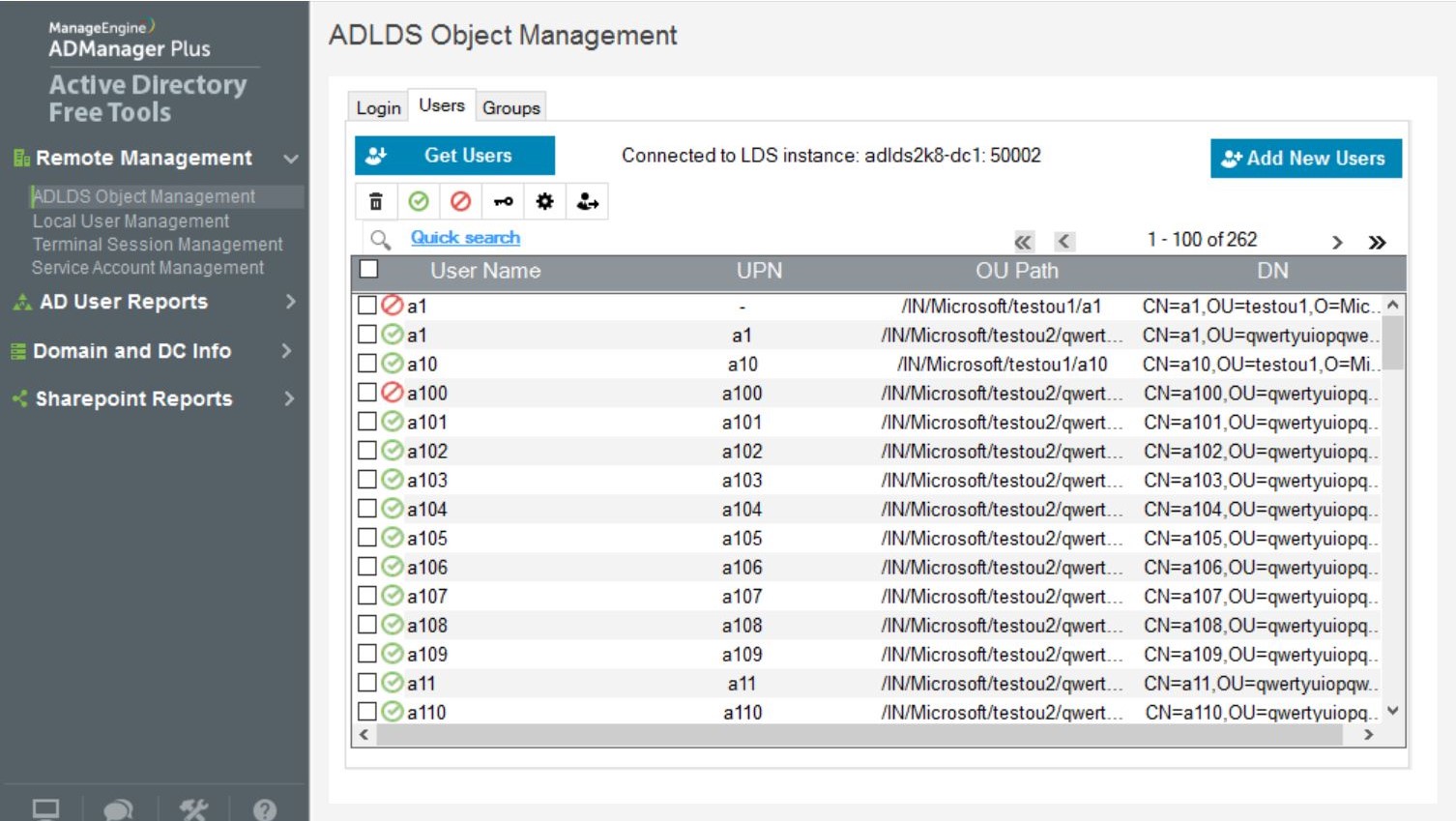
Figure 2: Manage AD LDS users.







